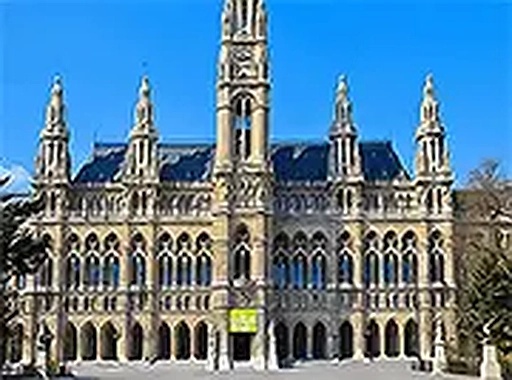
About this game
Game Introduction
Jigsaw Cities is a calm and engaging online puzzle experience. The core objective is to complete jigsaw puzzles featuring various cityscapes. Players are presented with a scrambled image of a famous city, and the goal is to move all pieces to their correct positions on the board. The game is designed for players of all ages and skill levels, offering a relaxing way to pass the time while exercising spatial reasoning. It runs directly in a browser without any downloads or installations, and it is completely free to play with no hidden costs.
How to Play
To play, you start by selecting a city puzzle from the available options. You will see a board with empty slots and scattered puzzle pieces. Using your mouse on a computer or your finger on a touchscreen device, you click or tap on a piece and drag it to the matching spot on the board. If the piece is placed correctly, it will snap into place. The game provides a relaxed pace with no time limits or penalties, so you can take as long as you need. You can also use full screen mode for a larger view on both mobile and desktop devices.
Game Features
Jigsaw Cities includes a selection of city puzzles with high-quality images. It is free to play with no downloads or registration required. The game works on mobile phones, tablets, and desktop computers. It offers a full screen mode for an immersive experience. There are no time limits or pressure, and the controls are simple drag and drop. The game is suitable for all ages and provides a relaxing background and smooth animations. Players can switch between puzzles at any time, and progress is saved automatically.
Tips for Success
To improve your puzzle-solving skills, start by sorting pieces into edge pieces and interior pieces. Focus on completing the border first, as it provides a clear framework. Look for distinctive colors, patterns, or landmarks in the city image to help match pieces. Work in small sections rather than trying to place all pieces at once. Take breaks if you feel stuck, as a fresh perspective can help. Since there is no time limit, enjoy the process and take your time to fully appreciate the city scenes.